Indoor Projection Mapping: Applications, Equipment and Benefits
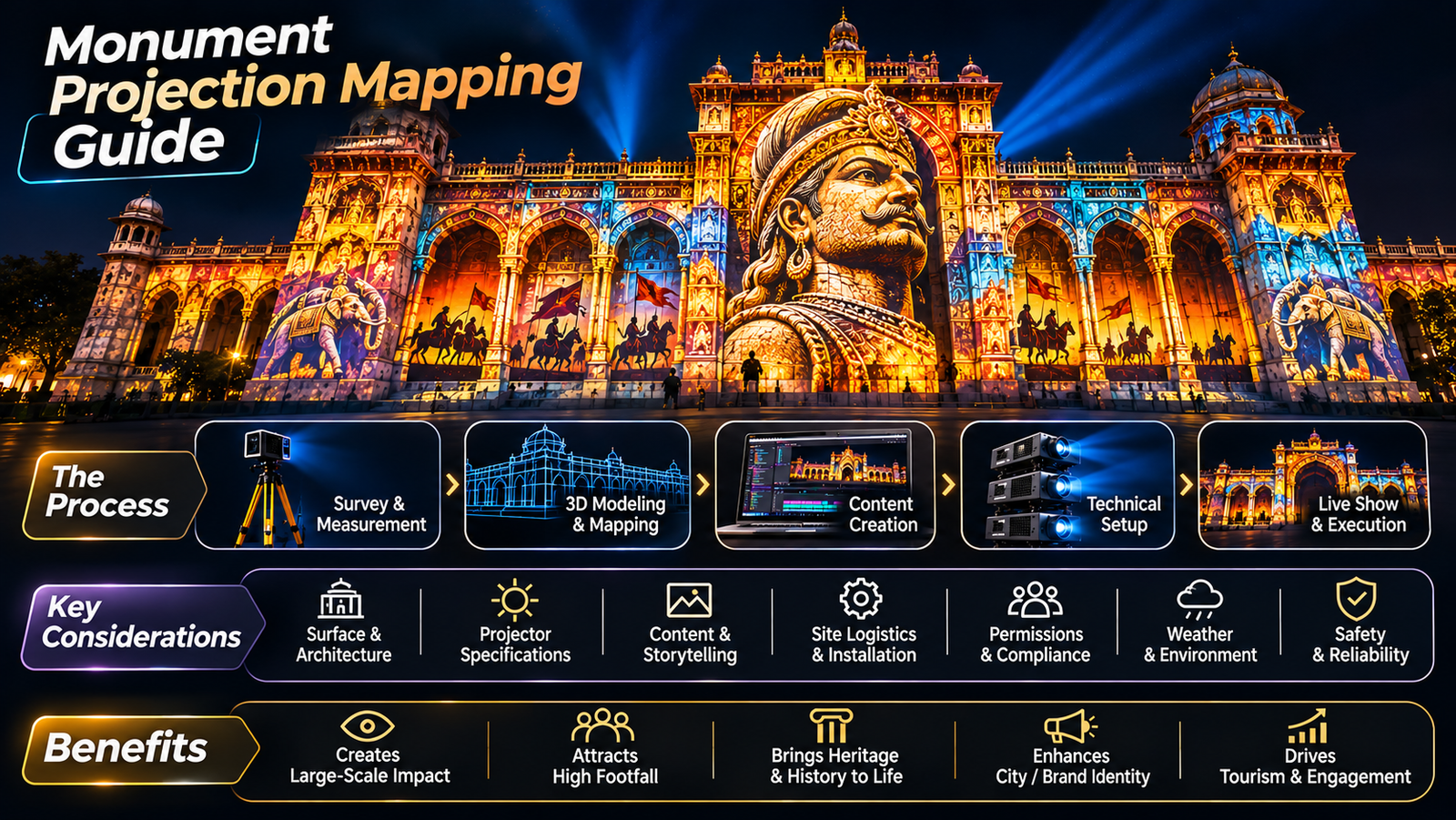
Indoor projection mapping transforms ordinary indoor spaces into immersive visual experiences using projectors and specially designed digital content. From museums and exhibitions to corporate events and immersive rooms, this technology allows walls, ceilings, floors, and objects to become part of a visual story.
Unlike conventional screens, indoor projection mapping can integrate digital visuals with the physical environment, creating engaging experiences for visitors, customers, and audiences.
In this guide, we explore how indoor projection mapping works, where it is used, what equipment it requires, and how to plan a successful installation.
What Is Indoor Projection Mapping?
Indoor projection mapping is a technique that projects digital content onto interior surfaces such as walls, ceilings, floors, architectural features, and physical objects.
The content is aligned with the dimensions and geometry of the surface to create a seamless visual experience.
For example, a museum wall can display historical scenes, a product display can appear to transform through animation, and an entire room can become an immersive digital environment.
To understand the technology in more detail, read our guide on how projection mapping works.
Where Is Indoor Projection Mapping Used?
Indoor projection mapping is suitable for a wide range of commercial, cultural, and entertainment environments.
1. Museums and Exhibitions
Museums can use projection mapping to bring historical events, artefacts, and educational stories to life. Visuals can be projected onto walls, models, exhibits, and architectural surfaces to help visitors engage with the subject.
It is particularly useful when storytelling and visitor experience are central to the exhibition.
2. Immersive Rooms
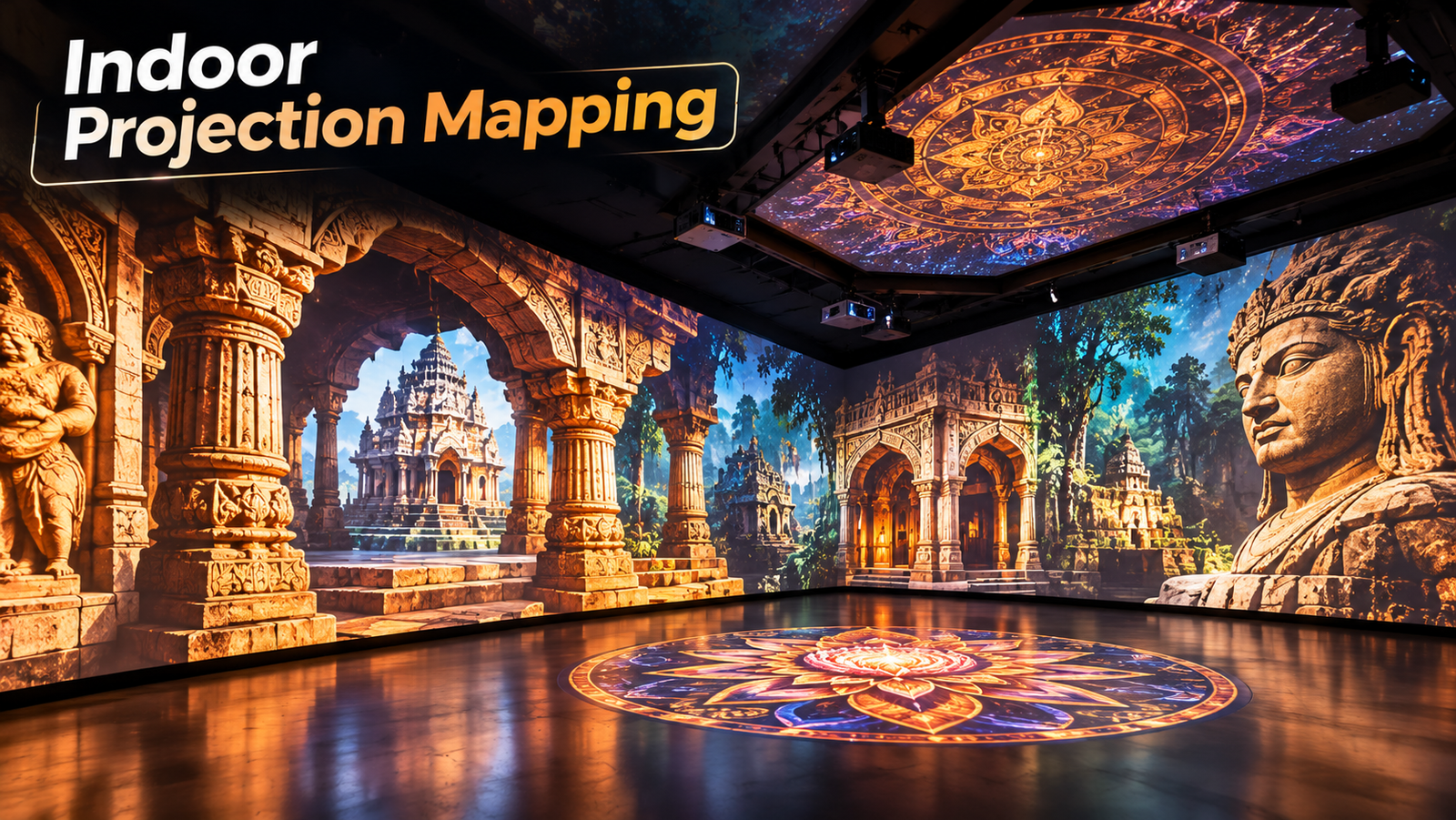
Immersive rooms use projections across multiple walls and sometimes floors or ceilings to create a shared digital environment.
They can be used for brand experiences, interactive exhibitions, educational installations, and entertainment spaces.
The content may create the impression of being surrounded by landscapes, animated environments, or abstract visual worlds.
3. Corporate Events and Product Launches
Brands can use indoor projection mapping to transform stages, product displays, and event spaces.
A product reveal, for example, can combine animation, lighting, and sound to create a more engaging presentation than a conventional screen alone.
4. Retail and Brand Activations
Retail environments can use projection mapping to highlight products, create seasonal displays, and develop interactive brand experiences.
The content can be adapted to specific campaigns without necessarily changing the physical installation.
5. Restaurants and Hospitality
Projection mapping can transform selected walls, tables, and other suitable surfaces into themed visual environments.
Restaurants, hotels, and entertainment venues may use it to create distinctive dining experiences, themed interiors, or special-event installations.
The design must consider comfort, visibility, maintenance, and the practical needs of the space.
What Equipment Is Required for Indoor Projection Mapping?
The equipment depends on the room dimensions, surface geometry, ambient light, and desired visual quality.
A typical setup may include:
Projectors: Selected according to brightness, resolution, and projection distance.
Lenses: Matched to the projector and available installation space.
Media server or playback computer: Runs the content and manages playback.
Projection mapping software: Aligns and adjusts visuals to match the physical surfaces.
Mounting equipment: Keeps projectors securely positioned.
Cables and signal distribution: Connects the equipment and supports reliable playback.
Audio equipment: Used when the experience includes sound.
Larger installations may require multiple projectors, edge blending, advanced playback systems, and more detailed calibration.
How Is Indoor Projection Mapping Installed?
A successful installation begins with technical planning.
Step 1: Survey the space. Measure the room, examine the surfaces, identify obstructions, and determine possible projector positions.
Step 2: Select the equipment. Choose suitable projectors, lenses, and playback systems based on the room and content requirements.
Step 3: Design the content. Create animations and visuals that fit the dimensions and purpose of the installation.
Step 4: Install and align the projectors. Position the equipment and calibrate the projected images to match the surfaces.
Step 5: Test the experience. Check image quality, playback, audio synchronisation, viewing angles, and overall performance before opening the installation.
Planning these stages together helps reduce technical issues and unnecessary revisions.
What Affects Indoor Projection Mapping Cost?
Indoor projection mapping costs vary according to the complexity and scale of the installation.
The main factors include:
Room size and number of projection surfaces
Projector quantity and specifications
Lens and playback requirements
Custom content production
Installation and calibration
Audio and interactive features
Equipment rental or purchase
Project duration and technical support
A simple projection onto one wall has different requirements from a multi-wall immersive room with custom 3D animation.
For more information, read our guide on projection mapping costs.
Benefits of Indoor Projection Mapping
Indoor projection mapping offers several advantages when the technology suits the project’s objectives.
Flexible storytelling: Visual content can be designed around a particular theme or narrative.
Efficient use of space: Existing walls and architectural features can become part of the experience.
Creative freedom: Animations can transform surfaces and create visual effects that conventional screens cannot easily reproduce.
Adaptable content: Digital visuals can be updated for different events, exhibitions, or campaigns.
Immersive experiences: Multiple projection surfaces can help create a more engaging environment.
The final result depends on suitable equipment, well-designed content, careful installation, and the characteristics of the venue.
Indoor Projection Mapping vs Traditional Displays
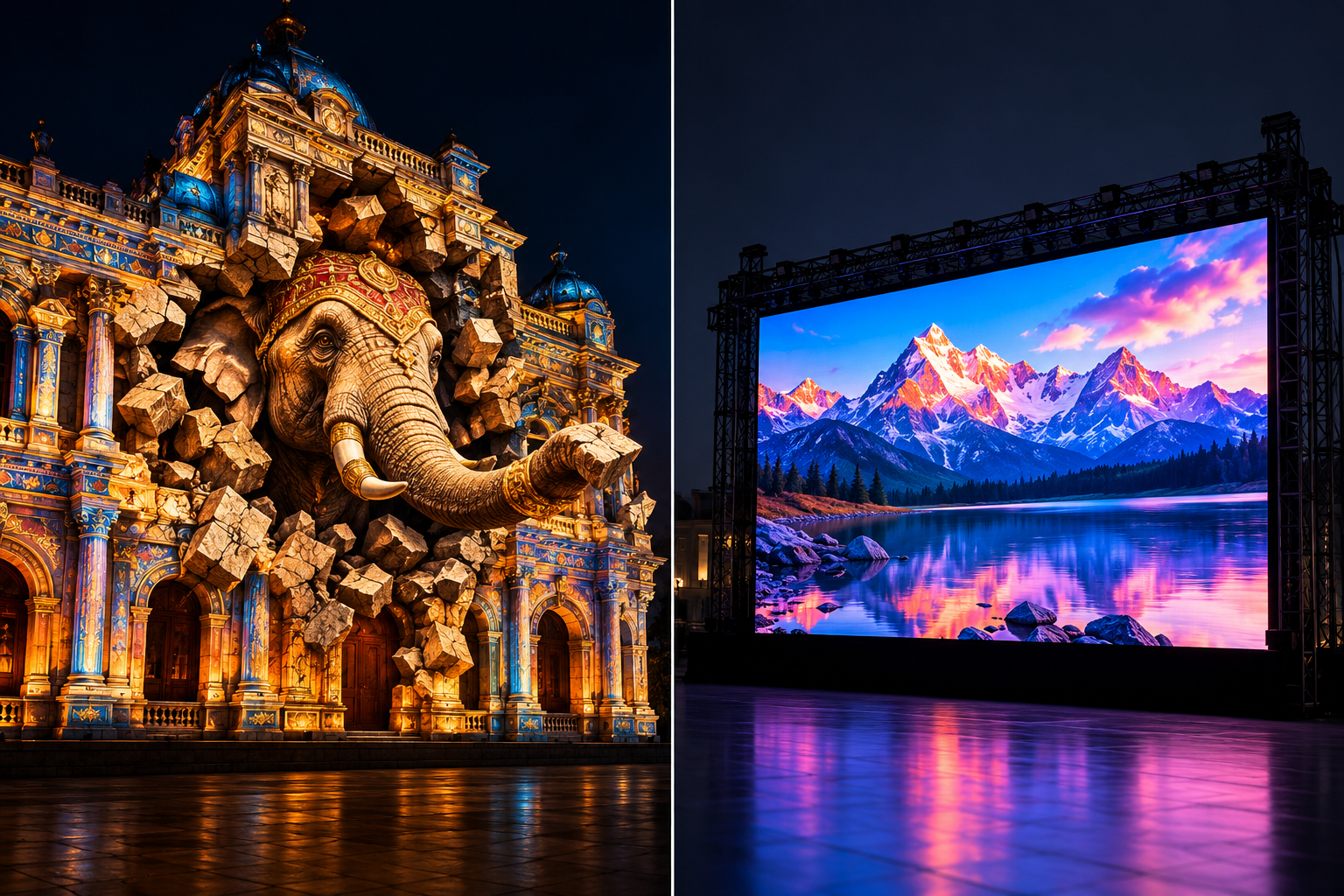
Traditional displays and LED walls are effective when a dedicated screen is required for presentations, video, or information.
Indoor projection mapping is especially useful when the objective is to integrate visuals with the surrounding architecture, objects, or entire room.
The right choice depends on the environment, lighting conditions, viewing distance, content, and budget.
For a detailed comparison, read our article on projection mapping vs LED wall.
Conclusion
Indoor projection mapping can transform museums, exhibitions, corporate events, retail spaces, and immersive environments into engaging visual experiences.
Successful projects begin with a clear objective, a detailed site survey, suitable equipment, well-planned content, and thorough testing.
At Visual GAP, we develop projection-based experiences for museums, immersive rooms, domes, architecture, and other specialised environments. Our approach combines creative storytelling with technical planning to create experiences tailored to each space.
Visit the Visual GAP website to explore our services and discuss your next indoor projection mapping project.
Frequently Asked Questions
What is indoor projection mapping used for?
Indoor projection mapping is used in museums, exhibitions, immersive rooms, corporate events, retail spaces, restaurants, and product launches to transform surfaces into visual experiences.
Can projection mapping cover an entire room?
Yes. With suitable projector placement and content, multiple walls and sometimes floors or ceilings can be covered to create an immersive environment.
Is indoor projection mapping better than an LED wall?
Neither is universally better. Projection mapping is useful for transforming physical surfaces and rooms, while LED walls are suitable for bright, dedicated display areas.
How much does indoor projection mapping cost?
The cost depends on room size, projector specifications, content production, installation complexity, and project duration. A site assessment helps establish the requirements and budget.